Fault
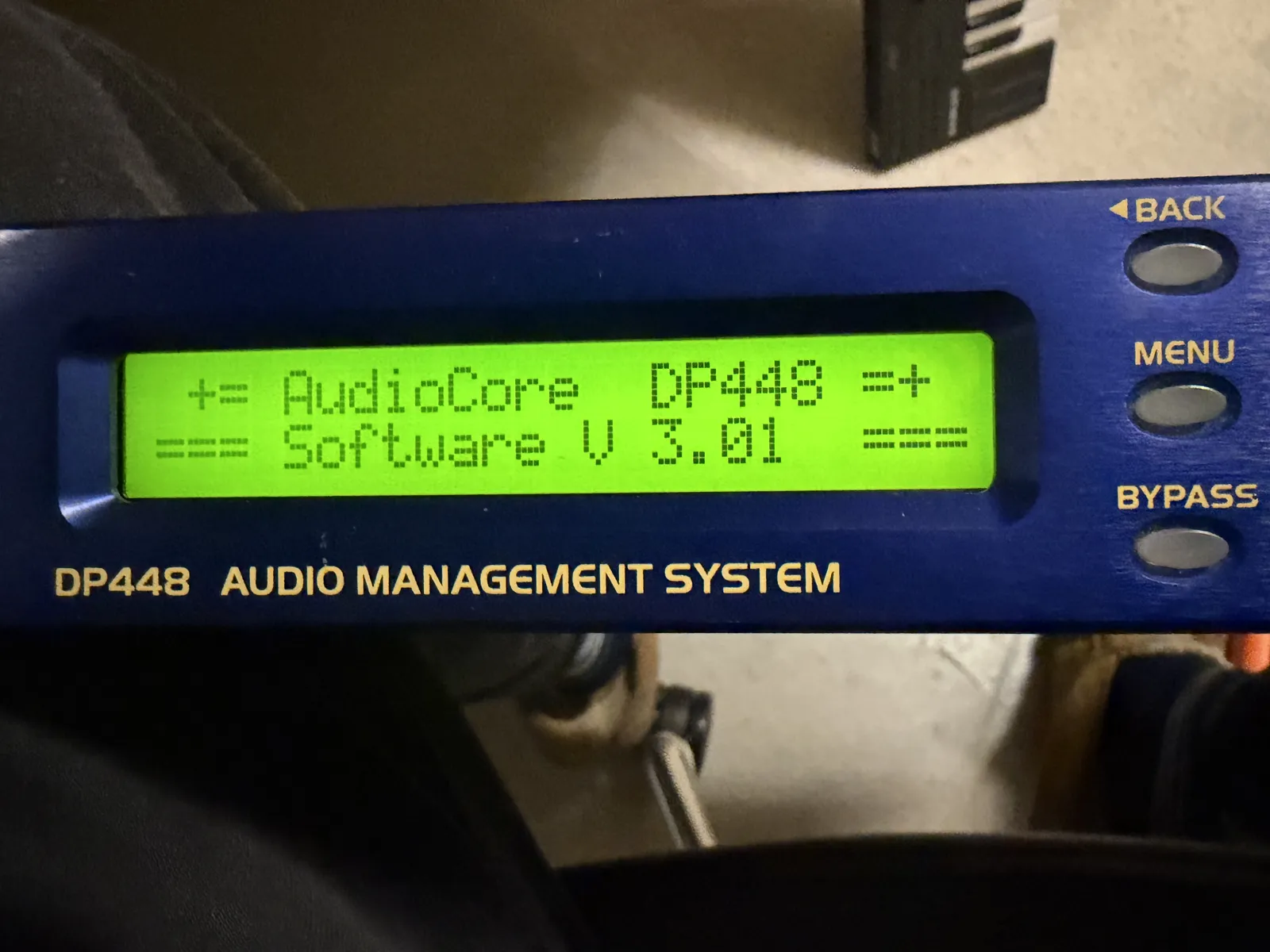
On powering up the XTA display had the typical patchy coverage, where most of the pixels were invisible making the unit unusable.
Applying pressure to the LCD improved coverage in some areas, and having removed and dismantled the display it was clear the silicone / graphite style contacts onto the PCB were the culprit. Cleaning the PCB contacts had no effect, so I set about identifying a replacement module.
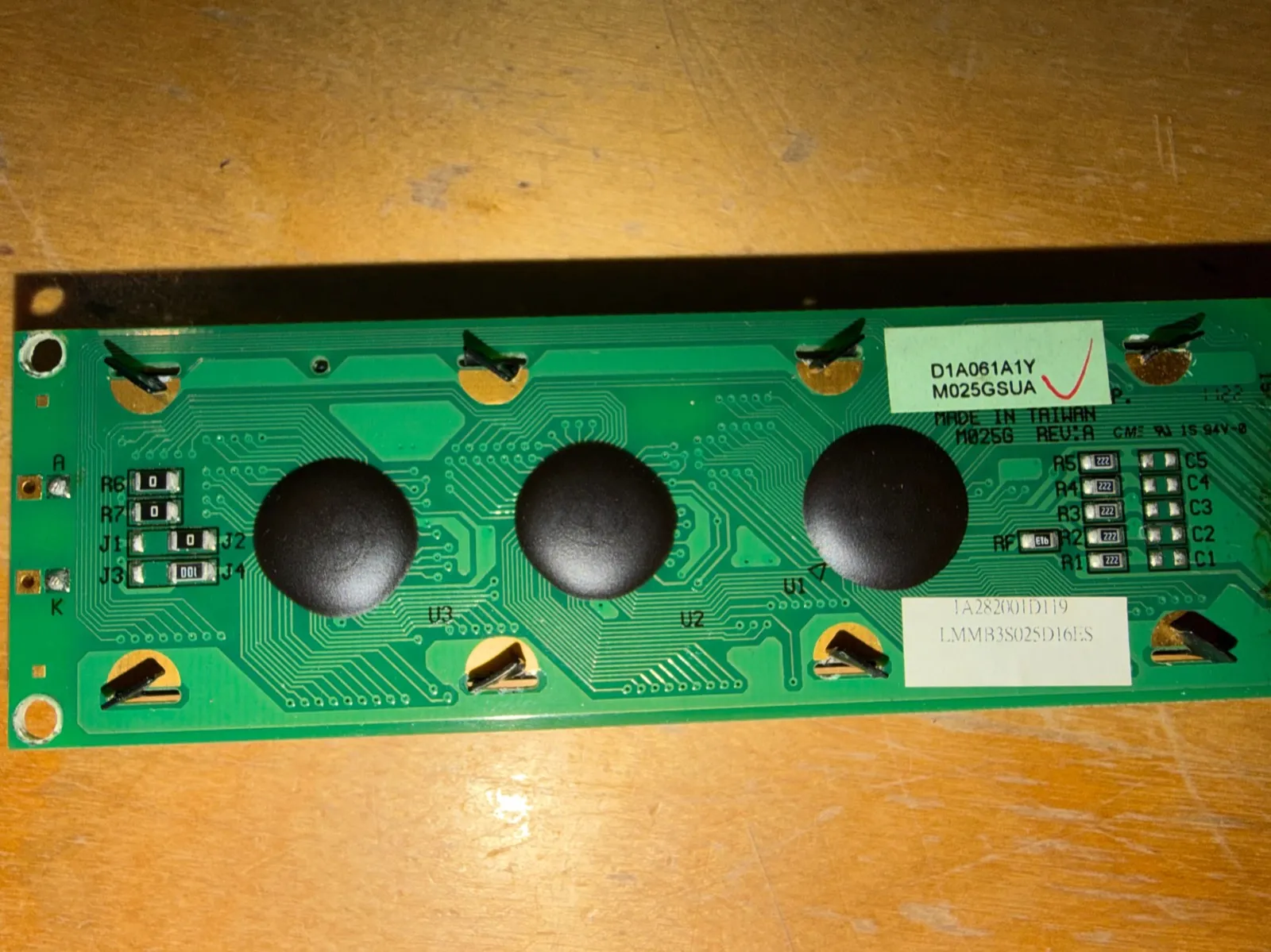
Original module
| Item | Value |
|---|---|
| Maker | Nan Ya Plastics (board marked M025G) |
| Label | LMMB3S025D16ES |
| Nan Ya catalogue entry | LMMB3x025x2S |
| Format | 24 characters x 2 lines |
| Outline | 118.0 x 36.0 x 14.5 mm |
| Controller | ST7066 / NT3881 (HD44780 compatible) |
| Backlight | LED, yellow-green |
| Interface | 14-way ribbon, pins 1 to 14 only |
The ribbon on the XTA has only pins 1 to 14, so backlight power on pins 15 and 16 is not provided separately. I assume the original module bridged its backlight to VDD/VSS on board (not confirmed).
Replacement
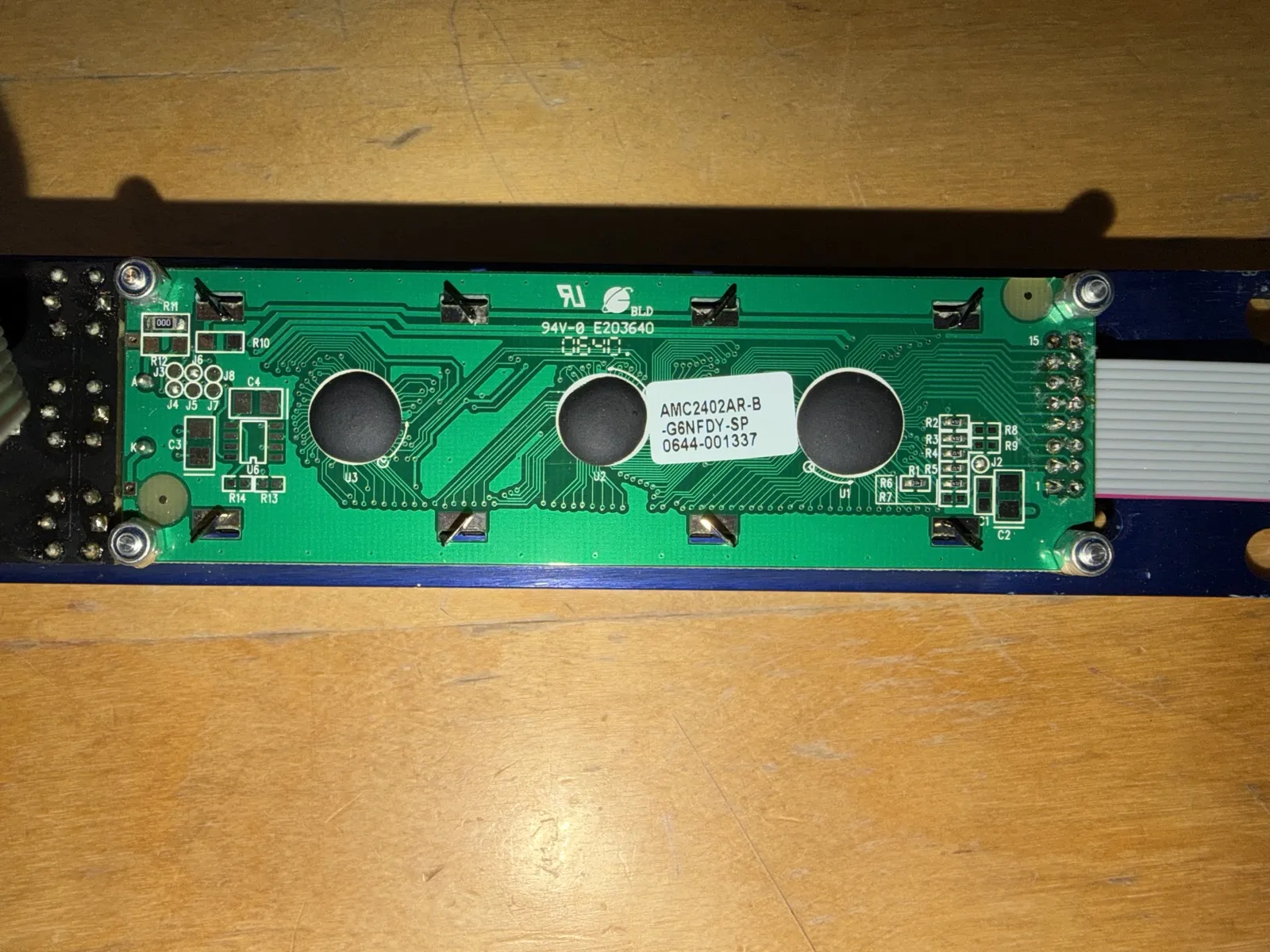
Orient Display AMC2402AR-B-Y6WFDY, £5.40 from MBCR Ltd on eBay UK.
| Item | Value |
|---|---|
| Format | 24 x 2, STN yellow-green |
| Outline | 118.0 x 36.0 x 14.0 mm (with LED backlight) |
| Controller | S6A0069 or equivalent (HD44780 compatible) |
| LCD drive (VDD - V0) | 4.0 to 5.5 V, typ 4.6 V at 25 C |
| Backlight | Yellow-green LED, 30 dies, Vf 3.8 / 4.1 / 4.3 V (min/typ/max) at 150 mA |
| Pins 15 / 16 | LED anode / LED cathode, no on-board current limiting |
Known-good alternative: Microtips NMTC-S24200XFGHSAY (KS0066 controller), reported as a working swap on a Russian repair forum (remont-aud.net).
Procedure
Wiring
- Remove the old module. Note pin 1 on the ribbon.
- Connect the 14-way ribbon to pins 1 to 14 of the AMC, pin for pin.
- Check continuity and shorts to neighbouring pins before powering up.
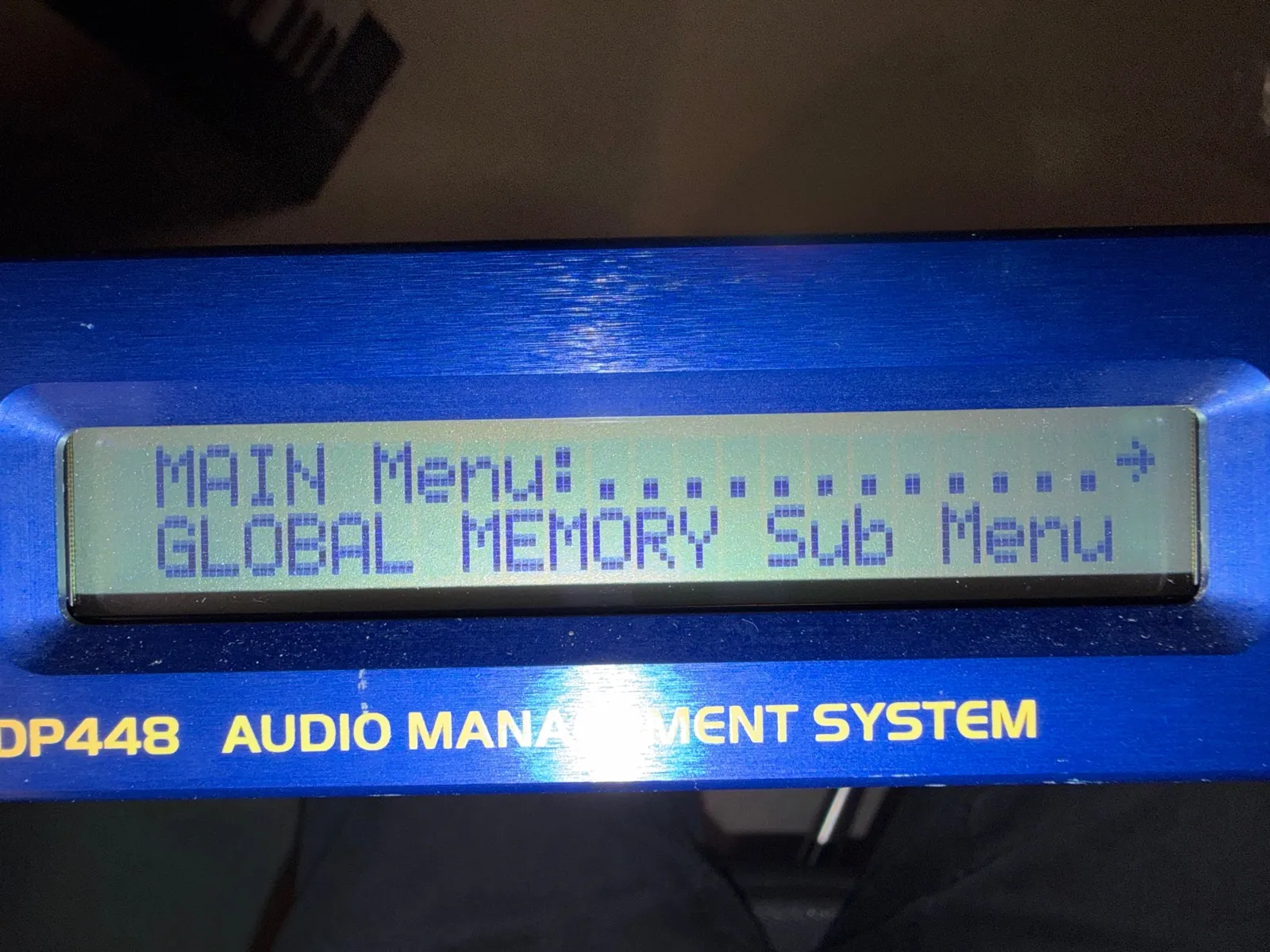
- Power up and re-set the contrast in the XTA menu.
Backlight
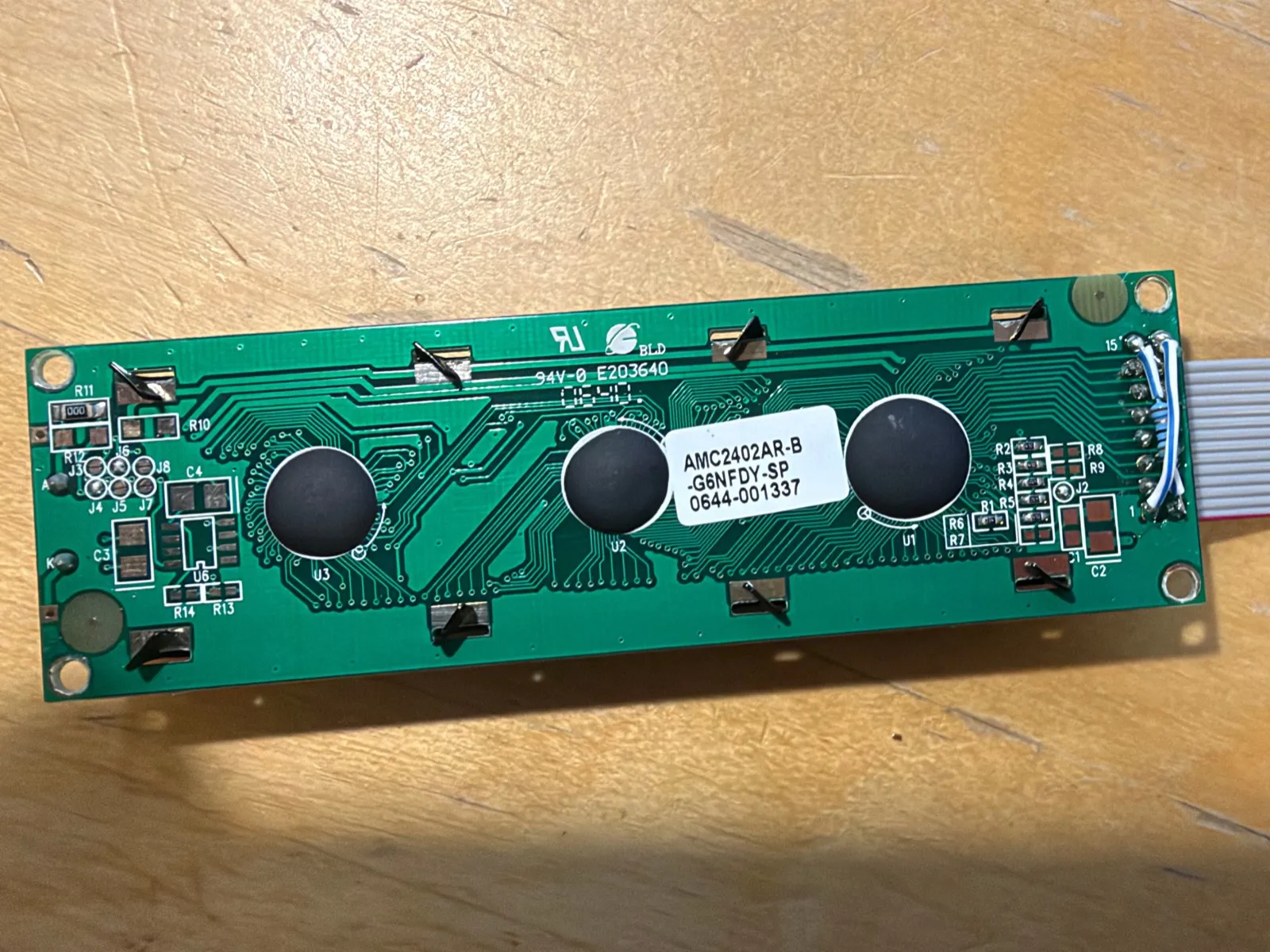
Enable the backlight by adding power connections on the back of the AMC’s 2x8 header (pins 1/2 at one end, 15/16 at the other):
- Pin 2 (VDD) to pin 15 (LED+): 10 ohm resistor (current limiting protection)
- Pin 1 (VSS) to pin 16 (LED-): wire link
- Sleeve the resistor leads and use insulated wire as the two diagonals cross and pass pins 3 to 14.
Check again for shorts to neighbouring pins before powering up.
Notes
- Contrast setting appears reversed with the replacement: 100 is pale, 0 is dark. The same behaviour was reported with the Microtips module on the Russian forum.
- Controller differences (ST7066 / KS0066 / S6A0069) cause no issues as the XTA displays plain ASCII which is covered by every standard HD44780 style chip.